
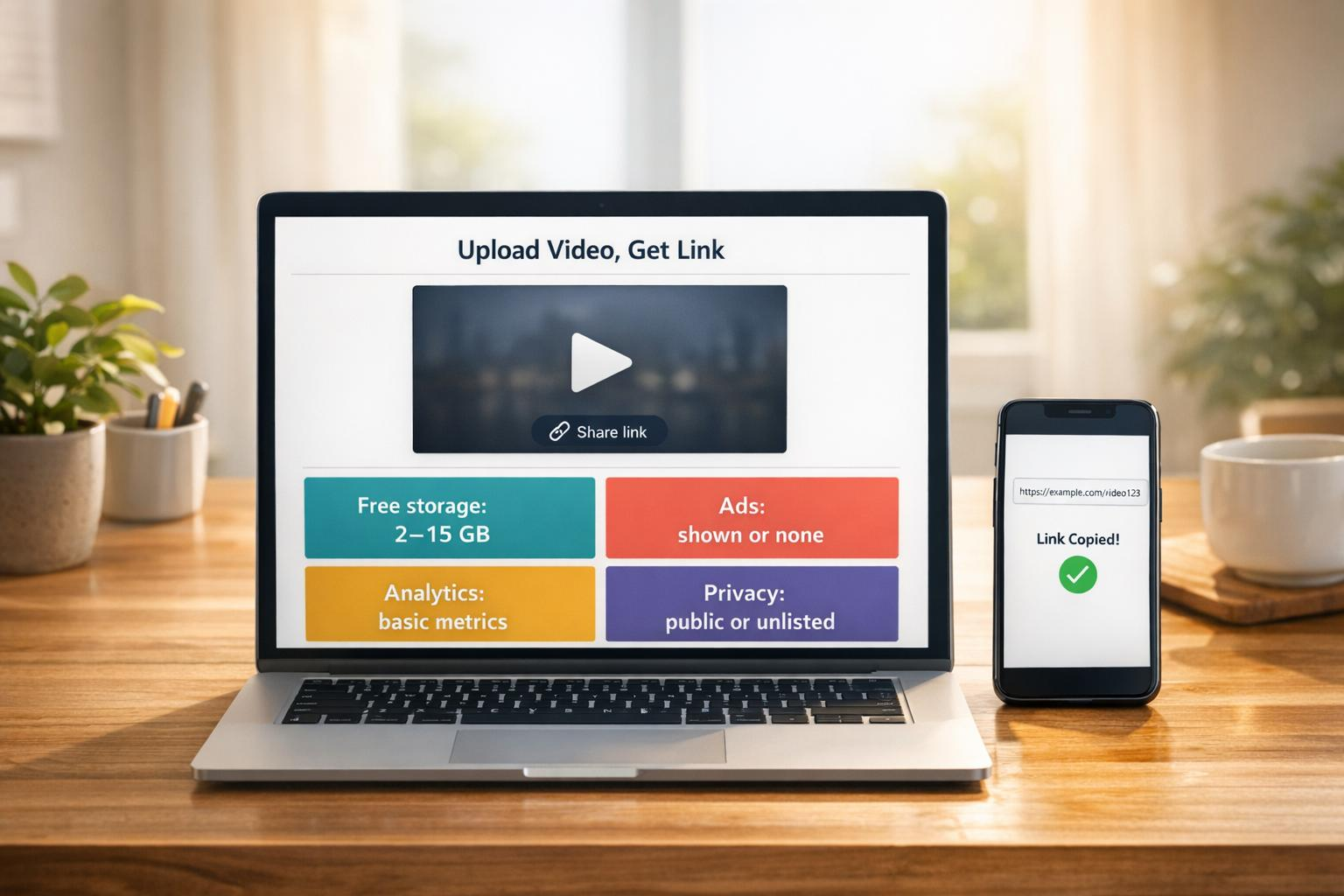
How to Upload and Share Audio Online for Free
Audio content has become one of the most effective ways to communicate, educate, entertain, and collaborate online. From podcast episodes and music demos to voice recordings, lectures, and sound effects, people are creating more audio than ever before. The challenge is finding a reliable way to upload, store, and share those files without spending money or dealing with unnecessary restrictions.
Fortunately, several platforms make it simple to publish audio online for free. Whether you’re a musician, podcaster, educator, or someone who simply wants to send voice recordings to friends or clients, understanding the best practices for online audio sharing will help you reach your audience quickly and efficiently.
Why Online Audio Sharing Matters
Sharing audio online offers several advantages over sending files through email or messaging apps. Large audio files can exceed attachment limits, while cloud-based audio hosting allows listeners to access content instantly through a simple link.
Modern audio hosting platforms also make it easier to organize recordings, maintain quality, and access files from multiple devices. This flexibility is especially valuable for creators who regularly produce new content.
In addition, platforms like soundgasm.net provide a convenient way to upload and share audio without requiring complicated setup, making it easier for creators to distribute recordings whenever needed.
Choose the Right Audio Format
Before uploading your files, it’s important to select the appropriate audio format. Different formats balance quality and file size differently.
Some of the most common options include:
- MP3: Excellent compatibility and smaller file sizes.
- WAV: High-quality, uncompressed audio ideal for editing.
- AAC: Better sound quality than MP3 at similar bitrates.
- FLAC: Lossless audio for professional-quality recordings.
- OGG: Open-source format with efficient compression.
For most users sharing recordings online, MP3 provides the best balance between quality and convenience.
Prepare Your Audio Before Uploading
A little preparation can significantly improve the listening experience.
Consider these simple steps:
Remove Background Noise
Basic audio editing software can eliminate unwanted sounds such as fan noise, keyboard clicks, or microphone hum.
Normalize Audio Levels
Ensure your recording maintains consistent volume throughout so listeners don’t constantly adjust their device volume.
Trim Unnecessary Sections
Removing long silences and mistakes creates a cleaner, more professional presentation.
Use Clear File Names
Instead of generic names like “Recording1.mp3,” choose descriptive names that make files easier to organize and locate later.
Uploading Your Audio
Uploading audio is generally a straightforward process regardless of the platform you choose.
Typical steps include:
- Create an account if required.
- Select your audio file.
- Add a title and optional description.
- Choose privacy settings.
- Upload the recording.
- Copy the generated sharing link.
Many platforms process audio automatically after upload, making it ready for streaming within minutes.
Organize Your Audio Library
As your collection grows, proper organization becomes increasingly important.
Useful organizational practices include:
- Group recordings by category.
- Create playlists when available.
- Add descriptive titles.
- Include useful tags.
- Archive outdated files.
These habits make managing hundreds of recordings much easier over time.
Protect Your Privacy
Not every recording should be publicly accessible.
Many audio hosting platforms offer privacy settings such as:
- Public sharing
- Private links
- Unlisted recordings
- Password protection
Selecting the appropriate visibility option helps ensure your content reaches only the intended audience.
Share Audio Across Multiple Platforms
Once uploaded, your recordings can be distributed almost anywhere online.
Common sharing destinations include:
- Social media
- Blogs
- Discussion forums
- Online communities
- Educational platforms
- Email newsletters
Using a single hosted file avoids repeatedly uploading the same content to multiple services.
Optimize Audio for Faster Loading
Large audio files can frustrate listeners with slow loading times.
To improve performance:
- Compress files when appropriate.
- Use efficient formats like MP3 or AAC.
- Remove unnecessary silence.
- Avoid excessively high bitrates unless required.
These optimizations improve accessibility, especially for mobile users.
Accessibility Best Practices
Making audio accessible helps reach a broader audience.
Helpful additions include:
- Episode summaries
- Time stamps
- Transcripts
- Clear titles
- Speaker identification
Providing transcripts also improves search engine visibility because text content can be indexed by search engines.
According to the World Wide Web Consortium (W3C) Web Accessibility Initiative, transcripts and captions are important accessibility features that make multimedia content usable for more people.
Common Mistakes to Avoid
Many creators unknowingly reduce the effectiveness of their shared audio.
Avoid these common issues:
Uploading Poor-Quality Recordings
Even excellent content can lose listeners if audio quality is difficult to understand.
Ignoring Metadata
Titles and descriptions help both listeners and search engines understand your content.
Sharing Broken Links
Always test your audio link before distributing it.
Overcompressing Audio
Reducing file size too aggressively can noticeably damage sound quality.
Forgetting Mobile Users
Most people consume online content on smartphones, so always verify that playback works well on mobile devices.
Tips for Content Creators
If you’re regularly publishing audio, consistency matters.
Develop a workflow that includes:
- Recording with a quality microphone.
- Editing each session.
- Naming files consistently.
- Uploading promptly.
- Organizing recordings.
- Sharing across relevant channels.
A repeatable process saves time while maintaining professional standards.
The Future of Audio Sharing
The popularity of podcasts, online education, remote work, and voice-based communication continues to increase demand for reliable audio hosting.
As streaming technology improves, creators can expect faster uploads, better compression algorithms, smarter organization features, and enhanced accessibility tools. Whether you’re publishing personal recordings or professional productions, choosing an easy-to-use hosting platform helps ensure your audience can listen without technical barriers.
Conclusion
Uploading and sharing audio online has never been easier. With the right preparation, suitable file formats, and an organized workflow, anyone can distribute recordings efficiently while maintaining quality and accessibility.
Whether you’re sharing podcasts, educational lessons, interviews, music, or voice notes, selecting a dependable hosting solution and following best practices will provide a better experience for both creators and listeners. As audio continues to play a growing role in digital communication, learning how to manage and share your recordings effectively is an increasingly valuable skill.




news via inbox
Mail us for latest news and updates